A truecaller search is the fastest way to put a name to an unknown number that just called you. Whether it is a missed call from a potential client, a spam caller, or a number you found scribbled on a piece of paper, Truecaller’s massive database can often tell you who is on the other end in seconds.
The problem is that most people only use a fraction of what Truecaller search can actually do. They type a number in, glance at the result, and move on. They miss out on spam patterns, business details, and privacy controls that would make the whole experience more useful and safer.
Quick Answer: Truecaller search lets you look up any phone number to see the name, location, and spam status associated with it. You can search manually through the app or website, or let Truecaller identify incoming calls automatically.
By the end of this article, you will know exactly how to run a manual number lookup, how to read the results, what to do when a search comes up empty, and how to protect your own number from being searched in the first place.
How Truecaller Search Actually Works
Truecaller is not magic, though it can feel that way. The database behind a truecaller search is built from two main sources: user-contributed contacts and publicly available information.
When someone installs Truecaller and grants contact access, the app uploads their phonebook to Truecaller’s servers. That means if your friend has you saved as “Sam from Accounting,” and they use Truecaller, your number is now in the database with that label. Multiply that by over 400 million monthly active users, and you start to see why the service can identify so many numbers.
The second source is public records. Business listings, websites that display contact information, and public directories all feed into the system. Truecaller’s algorithms then cross-reference these sources to build a profile for each number.
Here is what a typical search result shows you:
- The name associated with the number
- A spam score or tag (like “Telemarketer” or “Scam”)
- The general location, usually at city or state level
- The telecom carrier for the number
- Sometimes a profile photo and social links, if the person has claimed their profile
What the Search Does Not Show
It is worth clearing up a common misconception. A truecaller search does not give you someone’s home address, their email, or their browsing history. It shows what other people have saved in their contacts, plus publicly listed business information. That is it.
Pro Tip: The spam score is crowd-sourced. A high spam score means many other Truecaller users have reported that number, not that Truecaller itself has verified it as malicious. Treat it as a signal, not a verdict.
Step by Step: Running a Manual Truecaller Search
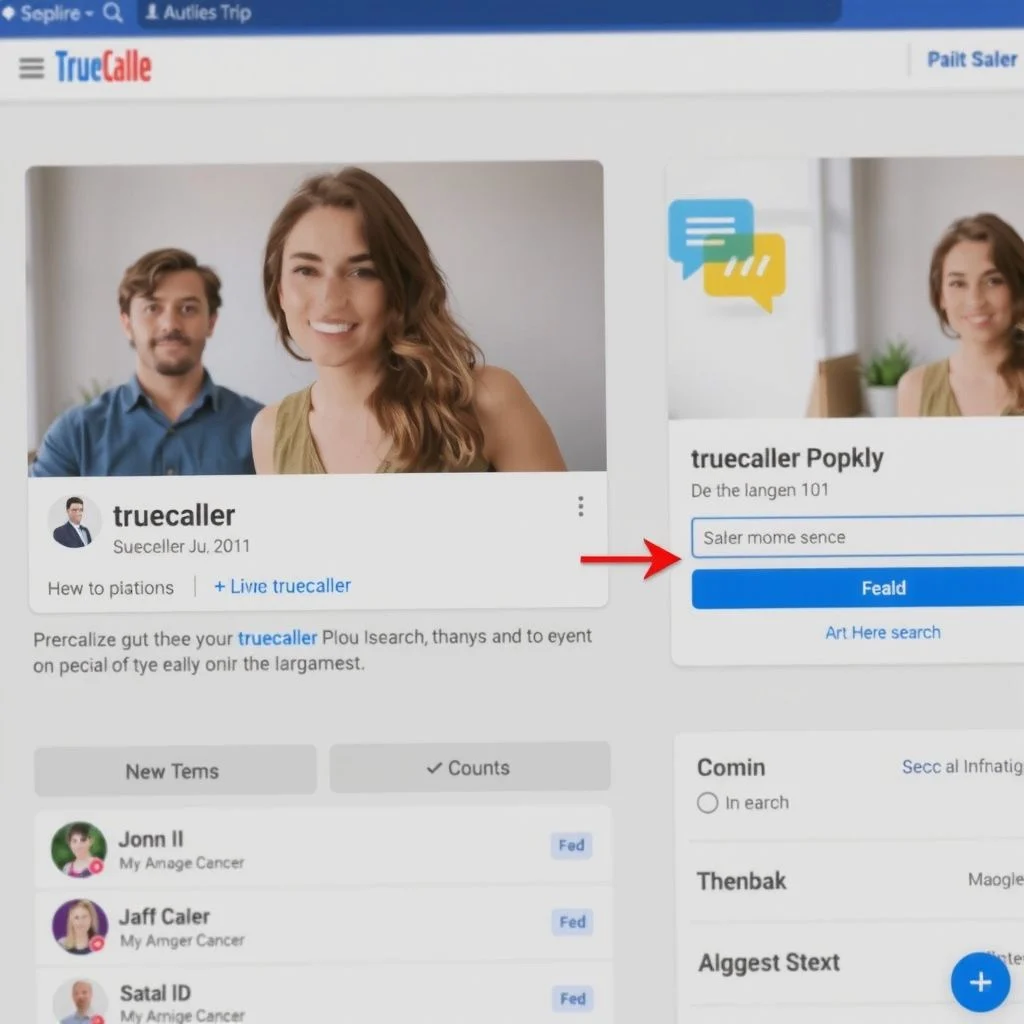
The manual search is the core feature. You do not need to wait for someone to call you. You can look up any number you have.
On the Mobile App
- Open the Truecaller app on your phone.
- Tap the Search bar at the top of the screen.
- Type the full phone number, including the country code if it is international.
- Tap the Search icon or press enter on your keyboard.
- Wait a second or two for the result to load.
The result page shows everything Truecaller knows about that number. You can scroll down to see additional details like the carrier, the general area, and any tags other users have applied.
On the Web
Truecaller also offers a web-based search at truecaller.com. The process is nearly identical. You type the number into the search field on the homepage, and the site shows you the same information without requiring the app. This is handy if you are on a desktop computer or do not want to install the app.
One difference: the web version sometimes requires you to sign in with a Google or Microsoft account before showing full results. The app does not have this requirement for basic searches.
Searching Without the App
You do not actually need Truecaller installed to run a basic search. The website works in any browser. But the app adds the automatic caller ID feature, which identifies incoming calls before you even pick up. That is the real value for most people.
Pro Tip: If you are searching for an international number, always include the country code. A search for “555-1234” will return nothing useful because that number exists in dozens of countries. A search for “+44 20 5555 1234” will return the correct UK-based result.
Reading Search Results Like a Pro
A name popping up is only half the story. The real value in a truecaller search comes from interpreting the details around that name.
Understanding Spam Tags
Truecaller applies community-generated tags to numbers. Common tags include:
- Telemarketer: The number is associated with sales calls
- Scam: Multiple users have flagged the number as fraudulent
- Robocall: Automated calls detected
- Survey: Market research or polling calls
- Debt Collector: Calls from collection agencies
These tags come from user reports. When enough people report a number with the same tag, Truecaller applies it automatically. A number with a “Scam” tag and a high spam score should be treated with serious caution.
The Difference Between Personal and Business Profiles
Business numbers often have a verified badge, a company name, and sometimes a logo. These profiles are claimed by the business itself and are generally more reliable than crowd-sourced personal profiles.
Personal profiles can be inconsistent. One person might be saved as “Mike” in one contact list and “Michael from Gym” in another. Truecaller usually shows the most common name used across its database, but you may see variations.
When the Search Comes Up Empty
Not every number is in the database. New numbers, numbers belonging to people who do not use Truecaller, and numbers that have never been saved in anyone’s contacts will return no results. That does not mean the caller is suspicious. It just means the number has not been indexed yet.
Here is a comparison of what different result types mean:
| Result Type | What It Means | How to Respond |
|---|---|---|
| Name + verified badge | Business or claimed profile | Generally trustworthy |
| Name + no badge | Crowd-sourced from contacts | Use your judgment |
| Spam tag + high score | Many users reported it | Block or ignore |
| No result | Number not in database | Proceed with caution |
| Wrong name | Number may have been recycled | Do not assume identity |
Privacy: Searching Others and Protecting Yourself
The flip side of truecaller search is that your own number is probably in the database too. Anyone with the app can look you up, see your name, and view whatever tags or profile information is attached to your number.
Opting Out of Truecaller
Truecaller allows you to remove your number from its directory. The process is called delisting. Here is how it works:
- Go to the Truecaller unlist page on their website.
- Enter your phone number with the country code.
- Complete the verification step, usually a captcha or SMS code.
- Confirm the removal request.
Truecaller states that delisted numbers are removed from search results. The process typically takes a few hours to complete. However, if someone else has your number saved in their contacts and they use Truecaller, your number may reappear in the database over time.
Controlling What Others See
If you use Truecaller yourself, you can claim your profile and control the information displayed. A claimed profile lets you set your name, add a photo, and manage your visibility settings. You can also choose to hide your profile from search results entirely while still using the app for caller ID.
Pro Tip: Even if you do not use Truecaller, check whether your number is listed. Run a search on your own number from a friend’s phone or the web version. Many people are surprised to find their number already in the database with an outdated name attached.
Truecaller Search Alternatives Worth Knowing
Truecaller is the biggest player in this space, but it is not the only option. Depending on your needs, another service might work better.
For US-Focused Searches
Whitepages and Spokeo are strong options for US numbers. They pull from public records, property data, and other sources that Truecaller does not always access. These services often provide more detail, like full addresses and relatives, but usually charge for those deeper reports.
For Business Numbers
Google Search itself is underrated for this purpose. Type a business number into Google, and you will often get the company name, address, hours, and reviews directly in the results. No app needed.
For Spam Identification
Hiya and RoboKiller focus specifically on spam and robocall blocking. They do not have Truecaller’s global reach, but their spam detection algorithms are excellent for US and Canadian numbers.
Here is a quick comparison:
| Service | Best For | Global Coverage | Cost |
|---|---|---|---|
| Truecaller | Global caller ID | Excellent | Free / Premium |
| Whitepages | US public records | US only | Freemium |
| Google Search | Business lookups | Global | Free |
| Hiya | Spam blocking | US/Canada focus | Free / Paid |
| Spokeo | US people search | US only | Paid |
The right tool depends on what you are trying to find. For a random international number, Truecaller is usually the best starting point. For a US landline, Whitepages might give you more. For a business, Google is often fastest.
Key Takeaways
- A truecaller search identifies unknown numbers using a database built from user contacts and public records
- The spam score is crowd-sourced and should be treated as a signal, not a guaranteed verdict
- Manual searches work on both the mobile app and the website, with the app adding automatic caller ID
- You can delist your own number from Truecaller’s directory, though it may reappear if others share their contacts
- Alternatives like Whitepages, Google Search, and Hiya fill gaps that Truecaller does not cover well
- Understanding the difference between verified business profiles and crowd-sourced personal tags helps you judge result reliability
Frequently Asked Questions
Q: Is Truecaller search free?
A: Basic manual searches and caller ID are free. Truecaller offers a Premium subscription that removes ads, shows who viewed your profile, and provides more detailed spam information. The free version covers most people’s needs.
Q: Can I search a number on Truecaller without creating an account?
A: The web version at truecaller.com allows basic searches without a full account, though it may prompt you to sign in with Google or Microsoft to view complete results. The mobile app requires sign-up to use any features.
Q: How accurate is Truecaller search?
A: Accuracy varies. Names come from user contact lists, so a number saved differently by different people can show inconsistent results. Business profiles with verified badges are generally accurate. Spam tags reflect user reports and can sometimes mislabel legitimate callers.
Q: Does Truecaller notify the person I search for?
A: No. Searching for a number does not notify the owner of that number. However, if you have a Premium account and view someone’s profile, that person may see that you viewed them if they also have Premium. Basic searches are anonymous.
Q: How do I remove my number from Truecaller search?
A: Visit the Truecaller unlist page, enter your number with country code, complete the verification, and confirm removal. The number should disappear from search results within a few hours. Note that it may return if other users with your number in their contacts continue using the app.
Q: Can Truecaller identify private or hidden numbers?
A: No. Truecaller cannot identify calls that come through as “Private,” “Blocked,” or “Unknown.” The service relies on the phone number being transmitted. Hidden numbers do not provide that data, so no lookup is possible.
Q: Does Truecaller search work for landline numbers?
A: Yes, Truecaller includes landline numbers in its database, particularly business landlines. Residential landlines are less likely to appear because fewer people save them as contacts on mobile phones.
Q: Is it legal to search for someone on Truecaller?
A: In most jurisdictions, searching a phone number in a public or crowd-sourced directory is legal. Truecaller operates in many countries, though some have raised privacy concerns. The legality depends on your location and how you use the information you find.
References & Further Reading
- Truecaller Official Website – The primary source for current features, privacy policies, and the unlist page
- Truecaller Support Center – Official documentation on search features, account settings, and delisting procedures
- Federal Trade Commission: How to Block Unwanted Calls – US government guidance on dealing with spam and robocalls, including caller ID tools
- Wikipedia: Truecaller – Background on the company’s history, user base, and privacy controversies
—
About This Article
This guide is based on hands-on use of Truecaller’s mobile and web platforms, plus publicly available documentation from Truecaller’s support center. It reflects the platform’s functionality as of the publication date. Features and processes may change as Truecaller updates its service. The privacy recommendations align with Truecaller’s own published guidance on delisting and profile management.