Finding your sarkari result admit card can feel like a maze when exam day is close. You know the hall ticket is online, but the official website is slow, the links are confusing, and you are not sure which portal is real. This guide cuts through that noise. I will walk you through the exact process, the mistakes that cost people their exam slot, and the checks you need to do the moment you download the file.
Quick Answer: Your sarkari result admit card is almost always available on the official website of the exam conducting body (like SSC, UPSC, Railway, or a state board). You find it by visiting the specific notification page, entering your Registration Number and Date of Birth, and downloading the PDF.
Why Finding the Right Sarkari Result Admit Card Portal Is Hard
The term “sarkari result” has become synonymous with government job notifications in India. But here is the problem. The high traffic volume on result days means the official servers often crash. When that happens, candidates panic and click on the first link they see on Google. That is how phishing sites get you.
The official website is the only safe source. No third-party blog or Telegram channel can issue a valid admit card. If a website asks you to pay money to download a government admit card, leave immediately. Government admit cards are free.
Pro Tip: Bookmark the official website URL directly from the original job notification PDF. Do not rely on Google Search results on exam day, as fake “mirror” sites often rank higher temporarily due to paid ads.
The Difference Between Sarkari Result and Official Boards
Many candidates confuse the aggregator site “Sarkari Result” with the actual exam authority. The aggregator site is just a news portal. It links out to the real source. The actual admit card lives on domains like ssc.nic.in, upsc.gov.in, or specific state domains like bpsc.bih.nic.in.
You need to understand this flow: Notification > Application > Admit Card > Result. The admit card is step three. If you missed the application window, no admit card exists for you. That sounds obvious, but thousands of candidates search for admit cards for exams they never actually registered for, usually because they saw a notification and assumed they applied.
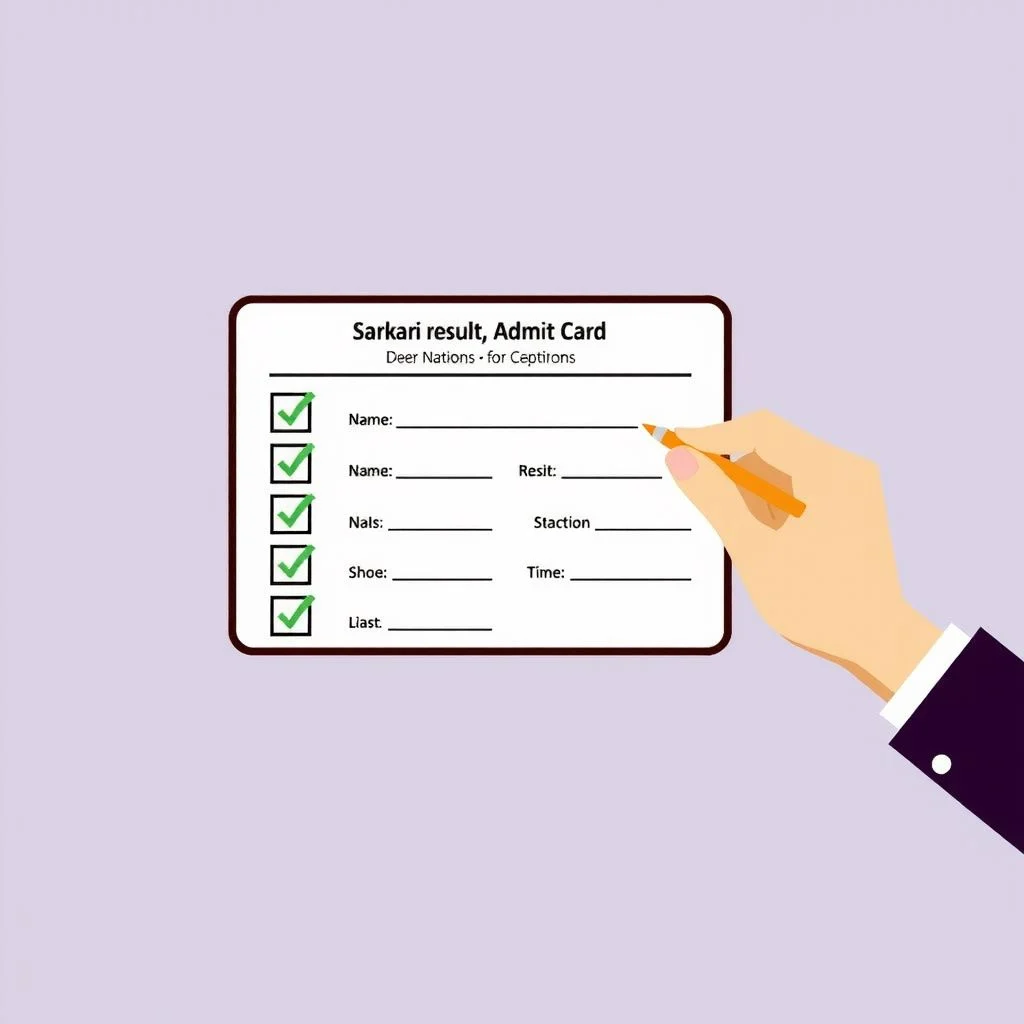
Step by Step: How to Download Your Sarkari Result Admit Card
The process is usually uniform across most Indian government recruitment boards. Here is the standard sequence. I have broken it down so you can do it even if the website is loading slowly.
- Identify the Exam Authority. Look at the job notification you applied through. Was it SSC CGL? IBPS PO? UP Police Constable? The authority name is on the top of that PDF.
- Visit the Official Domain. Type the URL directly into the address bar. Do not click a shortened link.
- Find the “Admit Card” or “Download Hall Ticket” Tab. This is often on the left sidebar or in a “What’s New” section on the homepage.
- Enter Your Credentials. This is usually your Registration Number (or Roll Number) and your Date of Birth (or Password).
- Verify the Details. Check the spelling of your name, your photo, and your exam center.
- Download and Print. Save the PDF to your computer and take a clear printout on A4 paper.
What If the Server Is Down?
This is the most common complaint. The server for the sarkari result admit card portal goes down because millions of people are refreshing at the same time.
Do not refresh aggressively. That makes it worse. Instead, try these alternatives:
- Try a different browser. Sometimes Chrome cache causes issues. Switch to Firefox or Edge.
- Use the “Incognito” or “Private” mode. This bypasses cached error pages.
- Wait for off-peak hours. Servers are usually fastest between 2:00 AM and 5:00 AM IST. If you can, download it then.
- Check the official social media. Some boards like SSC and IBPS post direct mirror links on their official Twitter (X) handles when the main site is struggling.
Pro Tip: Save your Registration Number and Password in a password manager or a physical diary right after you apply. Most “I can’t download my admit card” issues are actually “I forgot my login details” issues.
The Critical Details to Verify on Your Sarkari Result Admit Card
Once you have the PDF open, do not just hit print. You need to audit the document. A single typo can get you turned away at the gate.
Here is a checklist of what to look for:
- Name Spelling: Must match your 10th certificate exactly.
- Date of Birth: Must match your Aadhaar and 10th marksheet.
- Photograph and Signature: Must be clearly visible. If the photo is distorted or missing, you have a problem.
- Exam Center Address: Check the city. Sometimes the board changes centers at the last minute.
- Reporting Time: Note if it is morning or afternoon shift. Many candidates miss the exam because they read the time wrong.
The Photo and Signature Problem
Sometimes the photo is blank or blurry because the upload failed during the application process. If your photo is missing from the sarkari result admit card, you usually need to contact the exam authority immediately via their helpline email.
Do not edit the PDF yourself. Do not try to paste a photo onto the admit card using an editor. That constitutes tampering with an official document and can lead to disqualification or even a police complaint.
Here is a quick comparison of what you need to carry versus what you must leave at home:
| Item | Status | Why |
|---|---|---|
| Printed Admit Card | Mandatory | Entry is denied without a physical copy. Digital copies on phones are often not accepted. |
| Photo ID (Aadhaar/PAN/Voter ID) | Mandatory | Must be original. Photocopies are rejected. |
| Passport Size Photo | Recommended | To affix on the attendance sheet if required. |
| Mobile Phone | Prohibited | Even if switched off, it is usually not allowed inside the center. |
| Calculator/Watch | Prohibited | Smart watches are strictly banned. Analog watches are sometimes allowed, but check the instructions. |
Common Errors and How to Fix Them
Things go wrong. Here is how to handle the most frequent technical issues with the sarkari result admit card download process.
“Invalid Login Credentials” Error
You are typing the password wrong, or the server is caching an old session. First, check your Caps Lock. Second, check if the password has special characters that you are mistyping.
If you genuinely forgot your password, look for the “Forgot Password” link on the login page. It usually sends a reset link to your registered email or mobile number. If that email is dead, you must contact the helpdesk. They will ask for your application number and proof of identity.
Admit Card Shows “Application Rejected”
This happens when the board finds a discrepancy in your eligibility during the scrutiny phase. It could be an age issue, a photo mismatch, or duplicate applications.
If you see this status, you need to check the “Rejection List” on the official website. The board usually publishes a reason code. If you believe it is an error, you have a short window (often 48 to 72 hours) to email the grievance cell with your supporting documents.
The PDF Is Downloading as a Corrupt File
This is almost always a bandwidth issue. The file did not download completely. Delete the partial file. Clear your browser cache. Try downloading using a download manager or a different internet connection. Mobile hotspots often have unstable connections that corrupt PDF files.
Key Takeaways
- The official exam authority website is the only legitimate source for a sarkari result admit card.
- You need your Registration Number and Date of Birth to log in.
- Verify the spelling of your name and your photo immediately after downloading.
- Do not wait until the last night to download. Servers crash under load.
- A physical printout and a valid original photo ID are mandatory for entry.
Frequently Asked Questions About Sarkari Result Admit Card
Q: How many days before the exam is the sarkari result admit card released?
A: It varies by board. Most government bodies like SSC and IBPS release the admit card 7 to 14 days before the exam date. Some state boards release it as late as 3 to 5 days before. Check the official notification for the exact date.
Q: Is a digital copy of the admit card on my phone valid at the exam center?
A: Usually no. Most exam centers require a printed A4 copy. While some modern centers have barcode scanners that work with phones, the invigilator instructions almost always state that a physical printout is mandatory. Do not risk it.
Q: Can I change my exam center after the admit card is released?
A: No. The exam center allocation is final once the sarkari result admit card is generated. Requests for change of center are almost never entertained unless there is a major administrative error by the board.
Q: What should I do if my photo is missing from the admit card?
A: Contact the exam authority’s helpdesk immediately via email. Attach a screenshot of the admit card and a copy of your photo ID. Do not attempt to fix the photo yourself using software.
Q: I lost my registration number. How do I get my admit card?
A: Look for the “Forgot Registration Number” option on the login page. You will usually need your name, date of birth, and email address to retrieve it. If that fails, check your email inbox for the confirmation email you received when you applied.
Q: Why is the official website not opening on the admit card release day?
A: High traffic. Millions of candidates are trying to access the server simultaneously. Try accessing the site during off-peak hours (late night or early morning) or use a wired broadband connection instead of mobile data.
Q: Is the Sarkari Result website (the aggregator) the official source for admit cards?
A: No. The aggregator site only provides links. The actual download happens on the official government domain. Always check the URL bar to ensure you are on the correct .nic.in or .gov.in domain.
Q: Do I need to upload the admit card somewhere else to get the result?
A: No. The admit card is for entry into the exam hall. The result is released later on the same official website. You do not need to “activate” your admit card anywhere else.
References & Further Reading
- Staff Selection Commission (SSC) – Official website for downloading admit cards for CGL, CHSL, and other central government exams. ssc.nic.in
- Union Public Service Commission (UPSC) – Official portal for Civil Services and other prestigious exam hall tickets. upsc.gov.in
- National Informatics Centre (NIC) – The government body that hosts most of these
.nic.indomains. Understanding their infrastructure helps explain server load issues. nic.in
About This Article
This guide is based on the standard operating procedures followed by major Indian government recruitment bodies like SSC, IBPS, and UPSC. It reflects the common technical environment of the National Informatics Centre (NIC) servers and the typical login requirements seen across Indian exam portals. The steps provided are general best practices; always defer to the specific instructions printed on your official notification PDF.
Pingback: Sarkari Network Guide: How to Find Real Govt Job Updates