Finding your Aadhar card ID number when you only remember your name is a common problem. You might need it for a bank form, a government scheme application, or a SIM card re-verification, and the physical card is sitting in a drawer somewhere at home. The good news is that the Unique Identification Authority of India (UIDAI) has built official tools for this exact situation. The less good news is that many people waste time on sketchy third-party websites that promise an aadhar card id search by name but deliver nothing useful, or worse, steal your data.
This guide walks you through the legitimate methods, explains what works and what does not, and gives you the exact steps to retrieve your 12 digit Aadhar number without compromising your privacy.
Quick Answer: You cannot directly search for an Aadhar card ID by name alone on the UIDAI website. The official method is to use your registered mobile number or email to retrieve a lost or forgotten Aadhar number. If you have your enrollment slip, you can check status online. Third-party name based search tools are not authorized and should be avoided.
What Is an Aadhar Card ID Search by Name?
The Aadhar number is a 12 digit unique identification number issued by UIDAI to residents of India. It is linked to your biometric data, demographic details, and a registered mobile number. When people search online for an aadhar card id search by name, they are usually trying to find their own Aadhar number after losing the card or forgetting the number.
Here is the core issue: UIDAI does not offer a public directory where you can type a name and get an Aadhar number. That would be a massive privacy violation. Aadhar numbers are considered sensitive personal data under Indian law. So any website that claims to offer a free aadhar card id search by name is either:
- A scam designed to collect your personal information
- A phishing site that will ask for your Aadhar number to “search” for your Aadhar number, which makes no sense
- A site that scrapes publicly leaked data, which is illegal to use
The legitimate path is different. You verify your identity through the channels UIDAI already has on file for you, and UIDAI sends the number to you privately.
Why Name Only Search Does Not Work
Names are not unique in India. There are millions of people named “Ramesh Kumar” or “Priya Sharma.” Even a full name plus a city or state does not narrow it down enough for a reliable search. UIDAI’s database holds over 1.3 billion Aadhar numbers, and a name based lookup would return thousands of results for common names.
That is why UIDAI uses mobile number, email ID, or enrollment ID as the primary lookup keys. These are unique identifiers tied to one specific Aadhar record.
Pro Tip: If you remember your registered mobile number, you can retrieve your Aadhar number in under two minutes. Keep that number active, because UIDAI sends all OTPs and retrieval links to it.
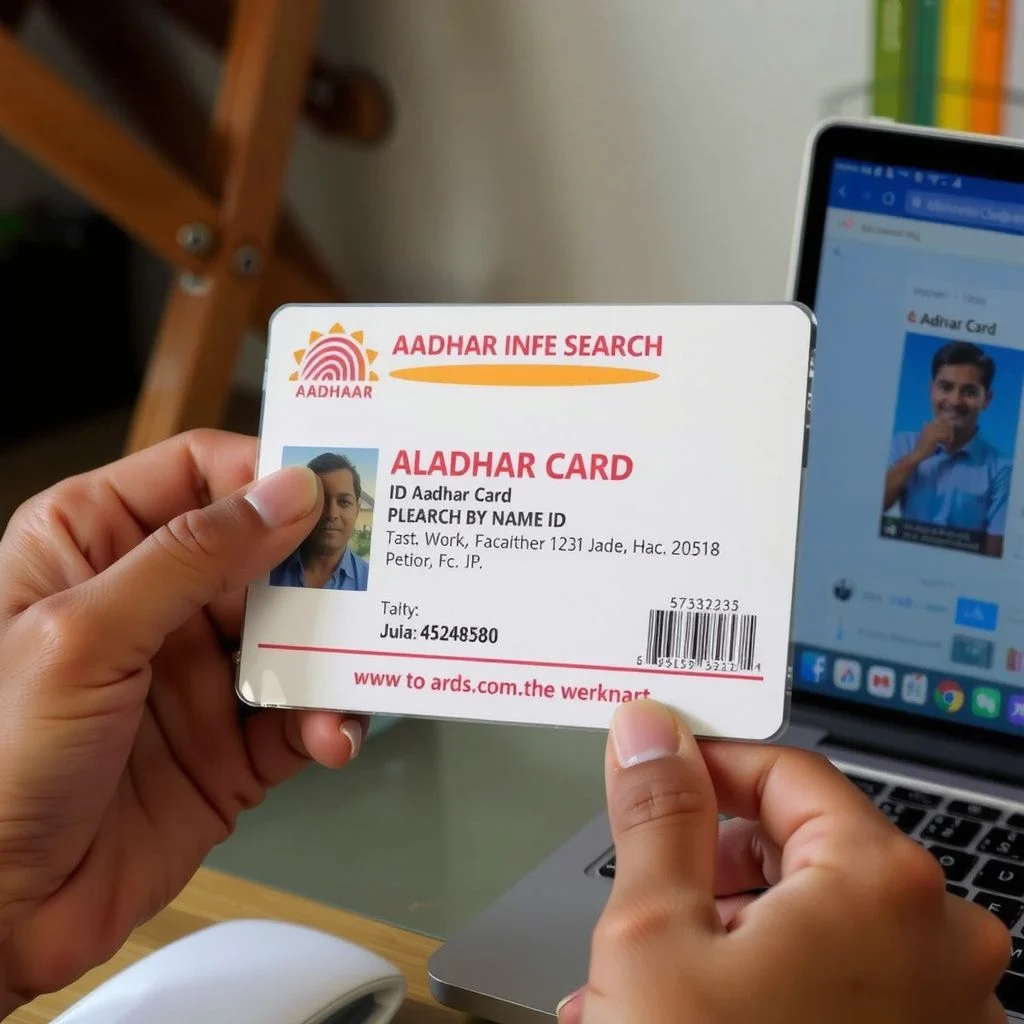
Official Methods to Retrieve Your Aadhar Number
There are three legitimate ways to get your Aadhar number back. Each one works in a specific situation.
Method 1: Retrieve Aadhar Number Using Registered Mobile Number
This is the fastest method and works if the mobile number you currently use is the same one you registered with UIDAI.
Here are the steps:
- Go to the official UIDAI website at uidai.gov.in
- Click on My Aadhar in the top menu
- Select Retrieve Lost or Forgotten EID/UID from the dropdown
- Choose Aadhar No (UID) as the option you want to recover
- Enter your full name as it appears on your Aadhar card
- Enter your registered mobile number or registered email ID
- Enter the captcha code shown on screen
- Click Send OTP
- Enter the OTP you receive on your phone
- UIDAI will send your Aadhar number to your registered mobile number via SMS
The whole process takes about 3 to 5 minutes. You will receive an SMS that contains your 12 digit Aadhar number. This method does not require you to remember your enrollment ID or any other document.
Method 2: Retrieve Using Enrollment ID (EID)
If you recently enrolled for Aadhar and have your enrollment slip, you can use the EID to check your Aadhar status and get your number once it is generated.
The EID is a 14 digit number printed on the acknowledgment slip you received at the enrollment center. It is formatted as 1234/12345/12345. You will also find the date and time of enrollment on the same slip.
Steps for this method:
- Go to the Aadhar Self Service Portal on UIDAI’s website
- Click on Check Aadhar Status
- Enter your 14 digit Enrollment ID
- Enter the date and time from your enrollment slip
- Enter the captcha code
- Click Check Status
If your Aadhar has been generated, the portal will show your Aadhar number on screen. You can then download an e-Aadhar copy.
Pro Tip: Keep your enrollment slip safe until your Aadhar number is generated. The EID is the only way to track your application if you do not have a registered mobile number yet.
Method 3: Visit an Aadhar Enrollment Center
If you have lost your Aadhar card, do not remember your registered mobile number, and have no enrollment slip, your last option is an in-person visit.
You will need to:
- Locate the nearest Aadhar Seva Kendra using the UIDAI website’s center locator
- Carry a valid identity proof document (PAN card, passport, voter ID, or driving license)
- Ask the operator to search for your Aadhar record using your biometric data (fingerprints or iris scan)
- Once your identity is verified, the operator can retrieve your Aadhar number and help you update your mobile number if needed
This method takes longer, usually 30 to 60 minutes depending on the queue, but it works even if you have no digital records.
Comparison of Aadhar Retrieval Methods
Here is a side by side look at the three official methods so you can pick the right one for your situation.
| Method | What You Need | Time Required | Works Without Registered Mobile? | Cost |
|---|---|---|---|---|
| Retrieve via mobile number | Registered mobile or email, full name | 3 to 5 minutes | No | Free |
| Retrieve via Enrollment ID | 14 digit EID, enrollment date and time | 5 to 10 minutes | Yes | Free |
| Visit Aadhar Seva Kendra | Valid ID proof, biometrics | 30 to 60 minutes | Yes | Free (updates may cost) |
The mobile number method is the clear winner for speed and convenience. The enrollment ID method is best for new applicants. The in-person visit is the fallback for people who have lost all digital access.
How to Download e-Aadhar After Retrieving Your Number
Once you have your Aadhar number back, you should download a digital copy so you never face this problem again.
Steps to download e-Aadhar:
- Go to the e-Aadhar download page on UIDAI’s website
- Enter your 12 digit Aadhar number
- Enter the captcha code
- Click Send OTP
- Enter the OTP sent to your registered mobile number
- Download the PDF file
The e-Aadhar PDF is password protected. The password is the first four letters of your name in capital letters followed by your year of birth. For example, if your name is “Ramesh Kumar” and you were born in 1990, the password is RAME1990.
The e-Aadhar is legally valid and accepted everywhere the physical card is accepted. Store a copy on your phone and in your email.
Pro Tip: Save your e-Aadhar PDF in a cloud storage folder with a recognizable name like “Aadhar_Ramesh.pdf” so you can find it in seconds next time.
Red Flags: Fake Aadhar Search Websites to Avoid
A quick search for “aadhar card id search by name” will surface dozens of websites that claim to offer instant results. Here is how to spot the fake ones.
Common Red Flags
- They ask for your Aadhar number to search for your Aadhar number. This is logically absurd and clearly a data collection trick.
- They ask for payment. UIDAI services for retrieval and download are completely free. Any site charging a fee is a scam.
- They have no government domain. Official UIDAI websites end in .gov.in or uidai.gov.in. Anything else is not official.
- They display Aadhar numbers publicly. No legitimate service would show Aadhar numbers on a public web page.
- They request biometric data uploads. UIDAI never asks you to upload fingerprints or iris scans online.
What to Do If You Used a Fake Site
If you already entered personal information on a suspicious website:
- Contact your bank and flag your accounts for potential fraud
- File a complaint with the Indian Cyber Crime Coordination Centre at cybercrime.gov.in
- Monitor your mobile number for unusual OTP requests
- Consider updating your Aadhar registered mobile number at a Seva Kendra if you suspect it was compromised
The safest rule is simple: only use uidai.gov.in and its subdomains for any Aadhar related task.
Key Takeaways
- You cannot perform an aadhar card id search by name on any official UIDAI platform. Name based lookup is not offered due to privacy and uniqueness constraints.
- The official method to retrieve a lost Aadhar number is through the Retrieve Lost or Forgotten EID/UID tool on uidai.gov.in using your registered mobile number or email.
- If you have your enrollment slip, the 14 digit EID allows you to check Aadhar status and get your number online.
- Third-party websites offering name based Aadhar searches are almost always scams or phishing attempts. Avoid them entirely.
- After retrieving your number, download the e-Aadhar PDF and store it securely so you never need to search again.
Frequently Asked Questions
Q: Can I search for my Aadhar card ID by name only?
A: No. UIDAI does not offer a name only search feature. You need your registered mobile number, email ID, or enrollment ID to retrieve your Aadhar number.
Q: How do I find my Aadhar number if I lost my card and forgot my number?
A: Go to uidai.gov.in, click My Aadhar, then Retrieve Lost or Forgotten EID/UID. Select Aadhar No (UID), enter your full name and registered mobile number, and UIDAI will send your Aadhar number via SMS.
Q: Is there any official UIDAI app for Aadhar search by name?
A: The official mAadhar app allows you to store and view your Aadhar profile, but it does not offer a name based search feature. You must log in using your Aadhar number or registered mobile number.
Q: What if I do not remember my registered mobile number?
A: Visit an Aadhar Seva Kendra with a valid ID proof. The operator can verify your identity using biometrics and retrieve your Aadhar number. You can also update your mobile number during the same visit.
Q: Are third-party websites that claim to search Aadhar by name legal?
A: No. These websites are not authorized by UIDAI and often collect personal data for fraudulent purposes. Using them can put your identity at risk.
Q: How long does it take to retrieve an Aadhar number online?
A: The online retrieval process using a registered mobile number takes about 3 to 5 minutes. You receive an SMS with your Aadhar number immediately after OTP verification.
Q: Can I get my Aadhar number using my PAN card?
A: Not directly. UIDAI does not offer a PAN to Aadhar lookup service. You need your registered mobile number, email, or enrollment ID to retrieve your Aadhar number.
Q: Is e-Aadhar valid for all purposes?
A: Yes. The e-Aadhar PDF downloaded from the UIDAI website is legally equivalent to the physical Aadhar card and is accepted for identity verification, government schemes, and financial services.
Q: What is the password for the e-Aadhar PDF file?
A: The password is the first four letters of your name in capital letters followed by your year of birth. For example, “RAVI1985” for someone named Ravi born in 1985.
Q: How do I update my mobile number if I lost access to the old one?
A: You must visit an Aadhar Seva Kendra in person. Mobile number updates cannot be done online because they require biometric verification.
References & Further Reading
- UIDAI Official Website – Retrieve Lost or Forgotten EID/UID
- UIDAI – Check Aadhar Status Using Enrollment ID
- mAadhar Official App – UIDAI
- Indian Cyber Crime Coordination Centre
—
About This Article
This guide was written based on the official UIDAI documentation and current processes as of the publication date. The steps for retrieving an Aadhar number are straightforward, but UIDAI occasionally updates its website interface. If you notice a discrepancy between these instructions and the live website, follow the on-screen prompts on uidai.gov.in. For security issues or suspected fraud, contact the UIDAI helpline at 1947.